
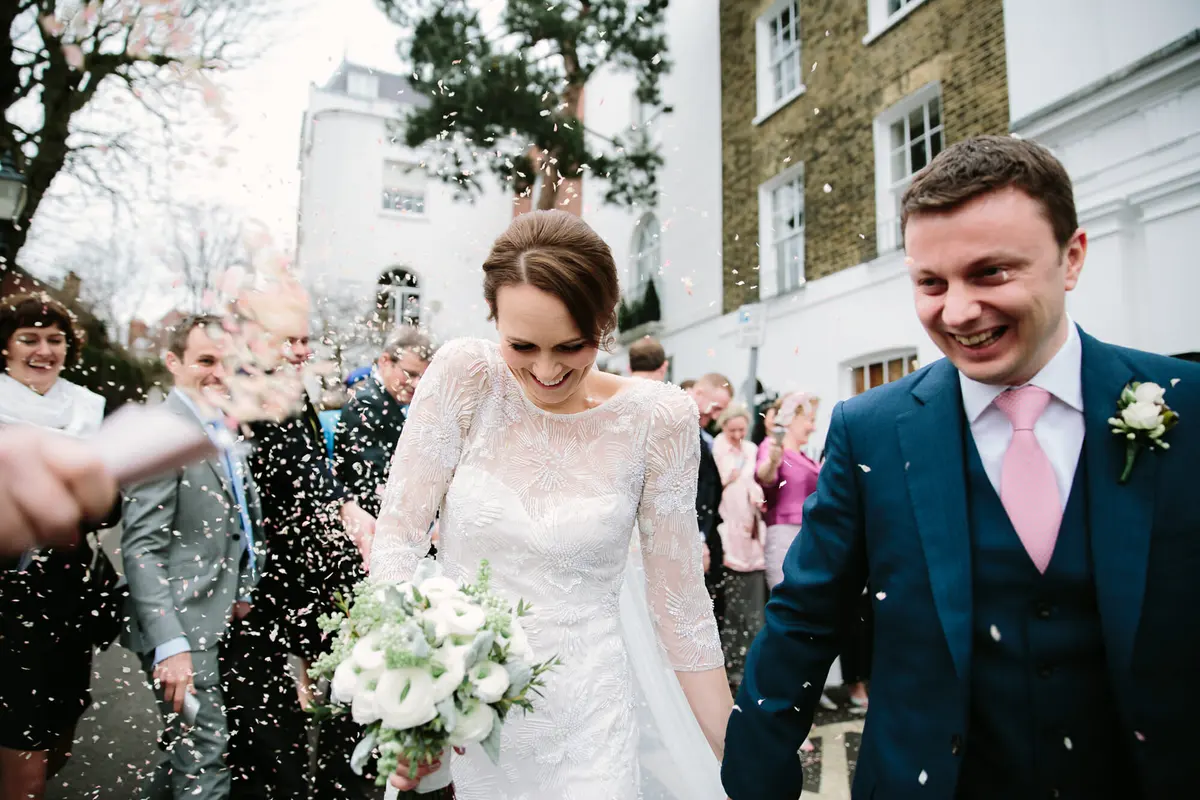
If you’ve booked me as your wedding photographer, here’s a simple guide to help you get the most from your online wedding gallery.
About 4–6 weeks after your wedding, your final images will be uploaded into your very own gallery. You’ll be able to view everything, download the full set, hide any photos you’d prefer to keep private, and buy prints. Your online wedding gallery isn’t just for you — it’s also a lovely way for your friends and family to relive the day.
HOW YOU’LL ACCESS YOUR WEDDING GALLERY
When your images are ready, I’ll email you your gallery link along with your privileged passcode. You’ll type in:
- your email address
- your passcode
This unlocks special access. You’ll be able to download all your images for free and hide any you don’t want guests to see. You don’t need to set anything up in advance — everything activates as soon as you log in.
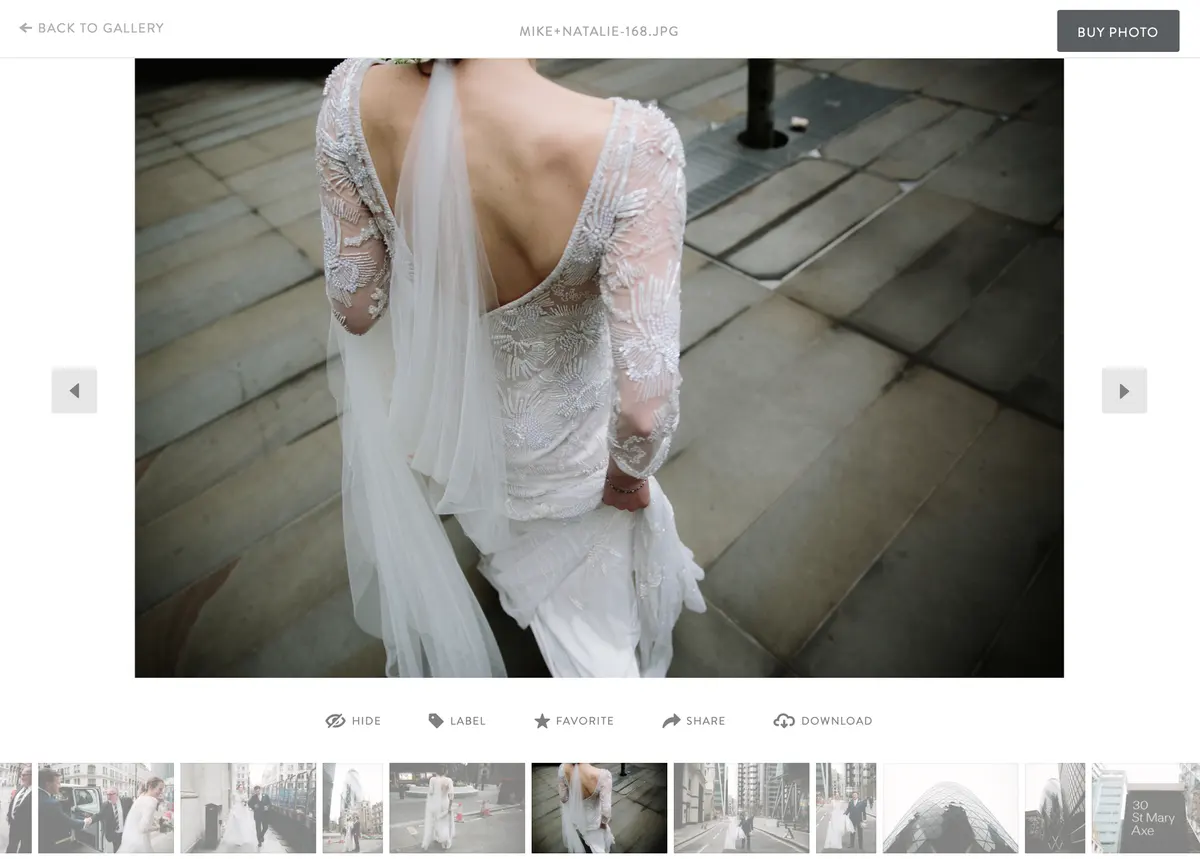
HIDE ANY PHOTOS YOU DON’T WANT GUESTS TO SEE
Once you’ve opened your gallery, take your time and enjoy looking through everything together. After you’ve done that, you can “hide” any images you’d prefer not to share with the wider world. This step is optional, but most couples appreciate having full control before sending the gallery to their guests.
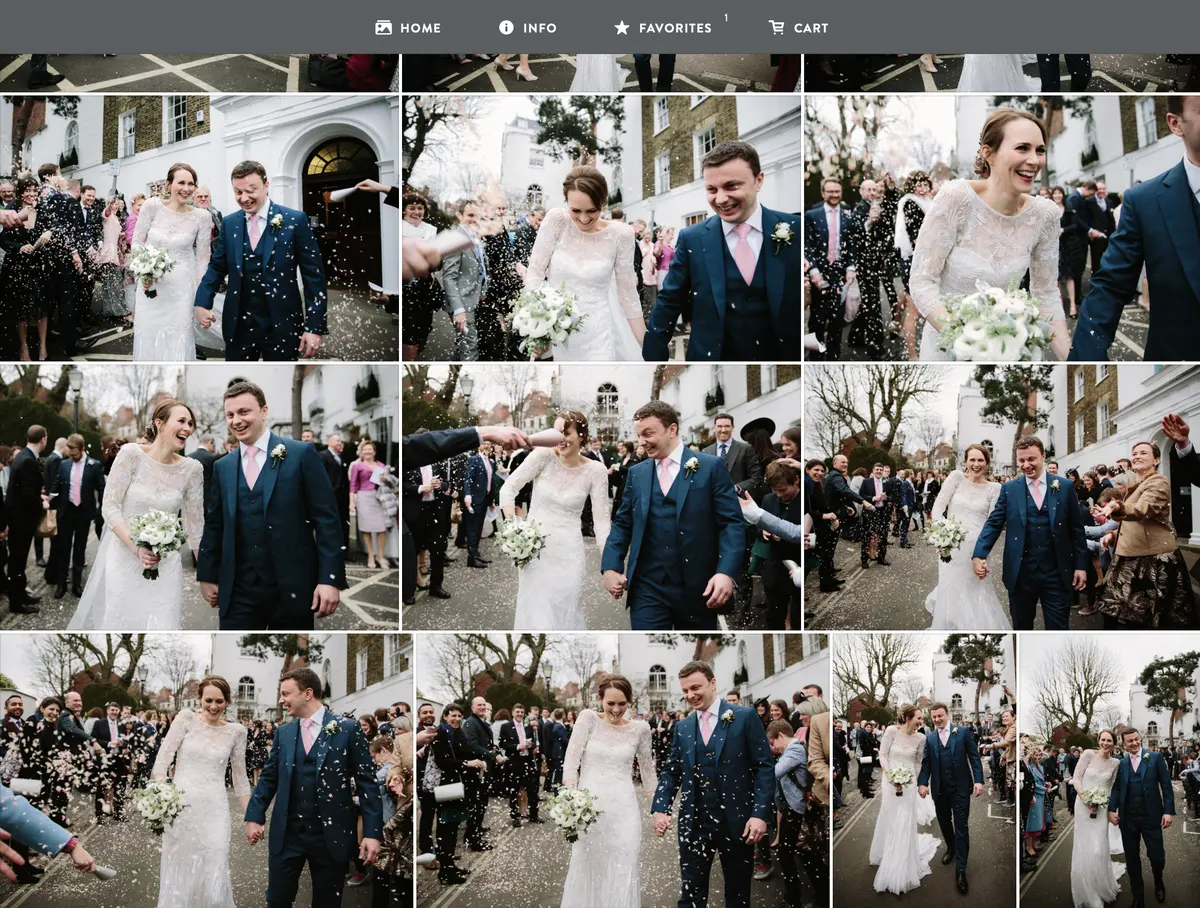
SHARE THE GALLERY WITH ALL YOUR GUESTS
After the wedding, everyone will ask to see your photos. Instead of juggling messages, simply forward the gallery email I send you. Your guests will be able to view the images instantly and, if they want to, purchase prints or downloads directly from the gallery.
DOWNLOAD + PRINT YOUR IMAGES
Once you’ve viewed the gallery a zillion times, make sure you download everything to a safe place. I recommend saving your images in two locations for peace of mind.
Printing your favourites is always worth it. You’ll also receive a 50% discount on prints for the first two weeks. Your discount code will be your gallery name (with no spaces). Anyone who visits the gallery will receive automatic reminders before the offer ends.